 mc-capes
Cape tools
Everything here runs in your browser. No account, no upload, no watermark.
Cape makerPaint your own Minecraft cape onto an empty 64x32 sheet, with the cape and elytra zones outlined so you always know which pixels end up facing out. There is a pen, fill bucket, eraser and eyedropper, pixel-level zoom and unlimited undo, plus a rotating 3D character that re-drapes the cape with every stroke. Save the finished PNG straight from the page - your artwork never leaves the browser.Try the cape maker →
Avatar makerDrop in any Minecraft skin and pull a profile picture back out. Frame it as a face, a bust, the full body or a rendered 3D pose, sit it on a clear, solid or gradient backdrop, soften the corners if you want, and save it anywhere from 64 to 1024 pixels with the blocky edges kept razor-sharp. Everything happens on your own device.Try the avatar maker →
Cape pack builderCollect a set of skins and capes into a single Minecraft Bedrock pack. Add skin PNGs (or fetch one from a username), drop in your 64x32 capes, tell each skin which cape to wear, and export a .mcpack that installs on any Pocket Edition device. The whole archive is zipped together locally - nothing is ever sent to a server.Try the cape pack builder →
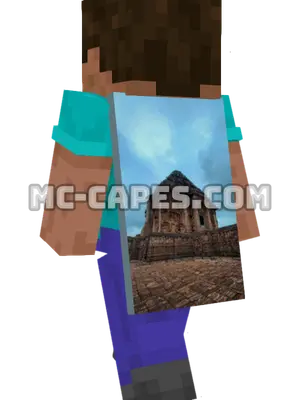 Ancient Concrete Building
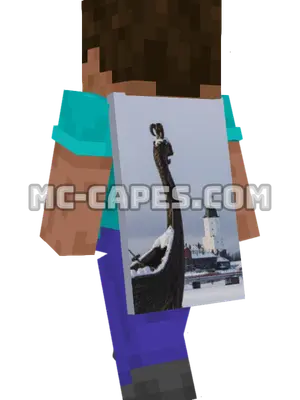 Viking Longboat Castle
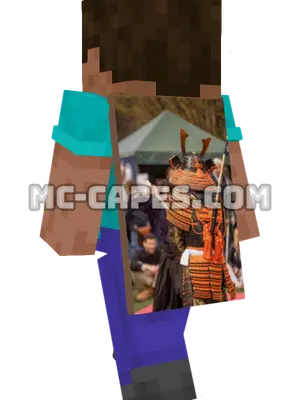 Samurai Costume Demonstration
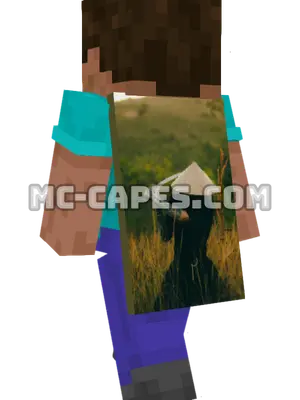 Conical Hat Katana
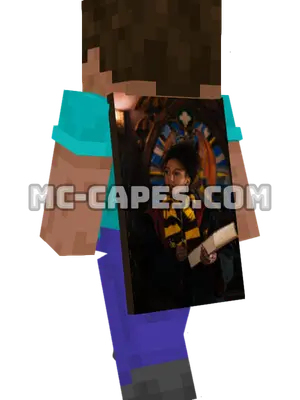 Wizard Cosplay Book
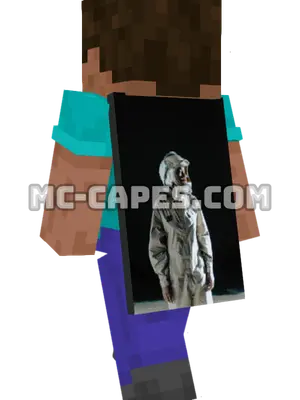 Spacesuit Portrait Dark
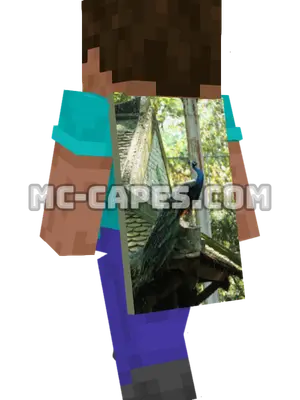 Peacock
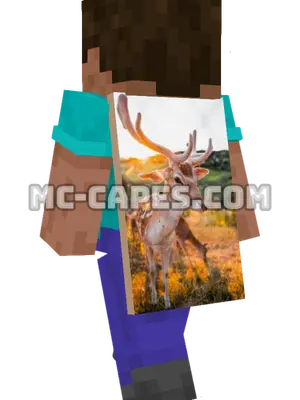 Deer
Deer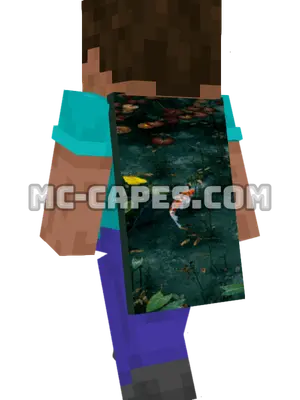 Koi Fish
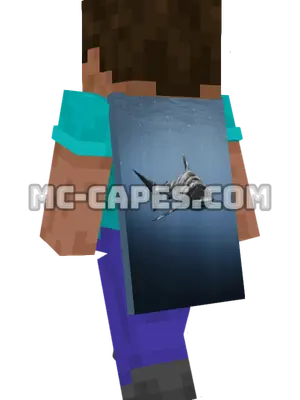 Shark
Shark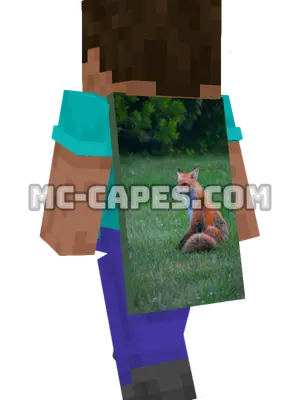 Red Fox
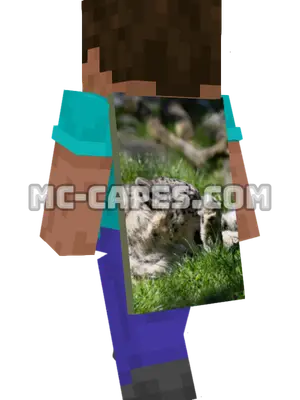 Grooming Snow Leopard